Also available in简体中文Bahasa Melayu
Trending
Public Bank cards go into Apple Wallet: three purchases, up to RM30
The pot is RM15,000 in all, enough for 500 people to get the full amount.

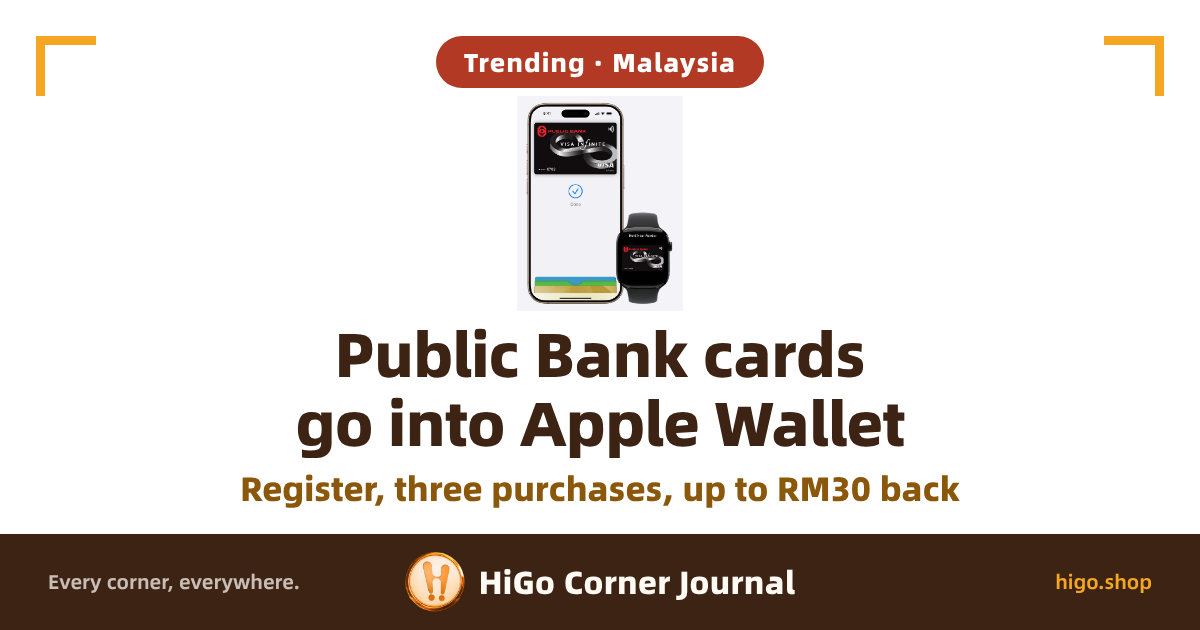
Public Bank and Public Islamic Bank cards can be added to Apple Wallet on your iPhone, and there is up to RM30 in cashback on top. Three steps to get it: register, add the card to Wallet, then make three purchases.
Between 17 November and 16 December 2026, register, then make three purchases of at least RM50 each on the card you newly added to Apple Wallet: that earns RM10 cashback, up to three times, so RM30 at most. Public Bank's campaign page

What it means for you
According to Lowyat.NET, Public Bank has joined the list of local financial institutions that have introduced Apple Pay support. If you hold one of these cards, start by checking whether yours counts: every PB and PIB card, credit and debit, is supported, with four exceptions — the PB-AIA Visa Gold Credit Card, PB Visa Commercial Card, PB Visa Business Card and PB UnionPay Lifestyle Debit Card.
Supplementary cardholders can add their own card too, but the cashback is different: the campaign terms say it is for principal cardholders. The card can go into Wallet, yet the supplementary cardholder does not get this RM30.
Open the MyPB app and choose "Apple Wallet", or tap "+" in Wallet and add the card by NFC tap or by typing in the details. Typing it in needs verification by SMS OTP or PB SecureSign, and if you get stuck there, call PB Card Services on 03-2170 8000. If you type it in and pick the SMS OTP, note that the code goes to the principal cardholder's registered mobile number, supplementary cards included.
Apple Pay itself has no fees (official FAQ, question 18). Spending overseas is different though: foreign transaction fees may still apply.
This RM30 is not a giveaway
Registering is a one-off: use the keyword PBQT on PBe, or SMS PBQT to 68333, any time between 17 November and 16 December 2026, with the SMS charged at your telco's normal rate.
Then comes the spending. You need three purchases of at least RM50 each on the card you newly added to Apple Wallet, all within 30 days of adding it. That is at least RM150 (RM50 × 3 purchases) for the first RM10. For the full RM30, you do that three times, so at least RM450 (RM150 × 3 payouts).
Those three purchases need not be shopping: topping up an e-wallet counts as a qualified transaction too, still at least RM50 each. Local and online purchases count as well, of course.
Keep in mind what does not count: utility bills, auto-debit, recurring payments, balance transfers, anything paid through the MyPB app or pbebank.com, and cash advances.
The cashback is credited to your credit card account 8 to 12 weeks after the campaign ends. If it has not shown up by then, call 03-2170 8000 by 16 March 2027, because nothing is entertained after that date.
First come, first served, and the pot is small. The bank has set aside at most RM15,000 in cashback for the whole campaign. At RM30 a person, that covers 500 people at most (RM15,000 ÷ RM30). Counted by payout, it is at most 1,500 payouts of RM10 (RM15,000 ÷ RM10). With so little set aside, it only goes to whoever moves first.
If you use a debit card, call 03-2170 8000 and ask before you spend. The campaign terms list the Public Bank Debit Card as eligible in clause 2, the key visual's subline says only "Public Bank Credit Card/-i", and clause 11 says the cashback is credited to a credit card account. If a debit card is all you hold, with no PB credit card account, all the more reason to ask first.

Not yet clear
- How much of the RM15,000 pot has gone and how much is left? The campaign page does not show it, so register early if you want the cashback.
- Clause 8 does say the 30 days run from the card provisioning date. What it does not say: what happens to a card added after 16 December, and whether the second and third payouts each get their own 30 days.